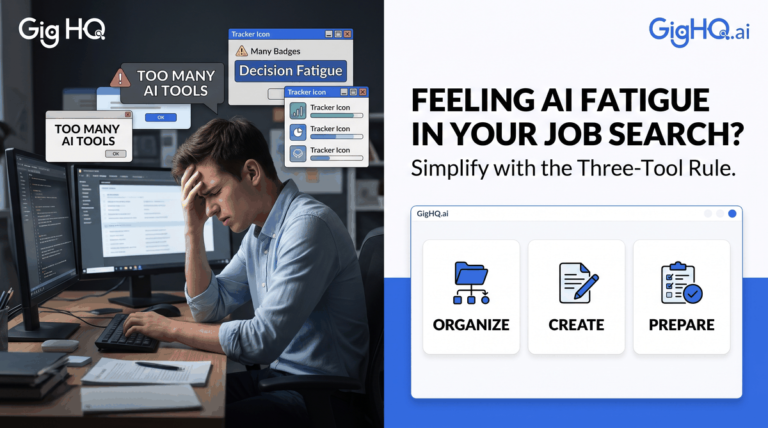
What Career Services Teams Should Ask Before Buying Another AI Tool
More tools does not mean better outcomes. So before your team signs another contract, here are the questions worth asking.

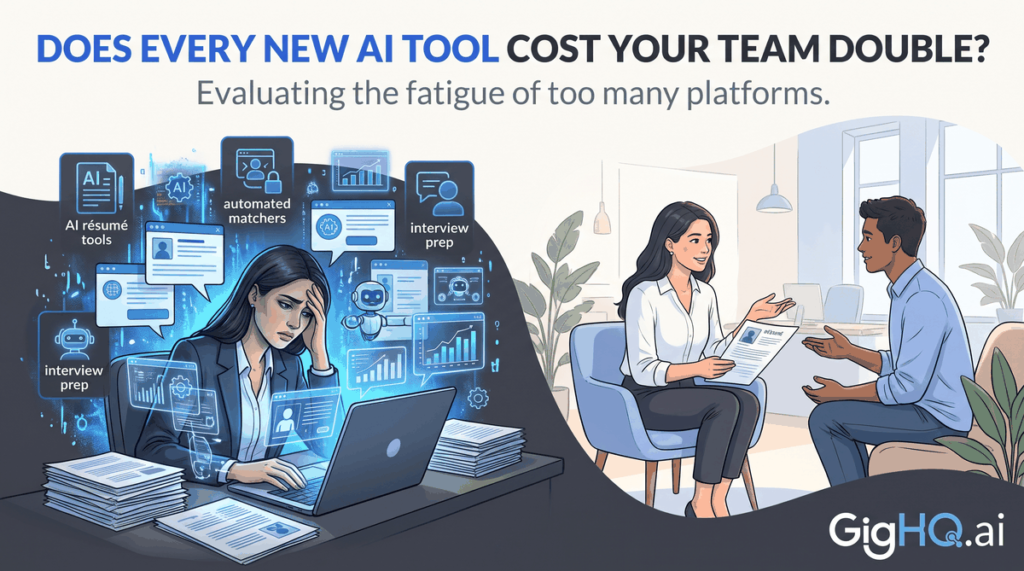
Every career services team knows the pitch. A new AI platform that will transform résumé review, automate interview prep, or personalize job matching. The demo is polished, the deck is persuasive, and the pressure to keep up is real.
But at a recent NACE affinity group session for online career services professionals, the conversation turned to the cost of saying yes too often. The hosts called it AI fatigue: the mental, emotional, and cognitive exhaustion that comes from constantly being expected to learn, evaluate, and manage AI tools on top of existing work. When the group was polled, the most common sources were keeping up with the stream of new tools and deciding when and how to use AI at all.
One co-host summed up the leadership takeaway well: more tools does not mean better outcomes. So before your team signs another contract, here are the questions worth asking.
Why every new tool costs a career services team double
Career services professionals face a dual burden. They have to learn a platform well enough to use it, and then well enough to teach it to students who see them as the experts. That’s before the other pressures the session described:
- Employers and institutional partners expect graduates to have “AI fluency.”
- The tools change constantly, so expertise is hard to build and easy to lose.
- It’s often unclear whether a given tool saves work or creates it.
- Staff worry about accuracy, ethics, student trust, and the future of their own roles.
No one is offering to take 50% of the existing workload off a team’s plate to make room for all this. AI learning arrives as an added layer. When leaders keep adding platforms, the result can be disengagement, resistance, or quietly choosing not to experiment, which is the opposite of what the purchase was meant to achieve.
Five questions to ask before you buy
The session’s guidance boils down to this: introduce a platform because it fits a real need on your team, not because it’s the next new thing. These questions put that into practice.
| Question | What a good answer looks like |
| What specific problem on our team does this solve? | A concrete bottleneck you can name, such as long wait times for résumé reviews. |
| Will it reduce our workload? | Fewer manual steps for staff, not just a different set of steps to learn. |
| Will it improve student outcomes? | A measurable change you can track, such as appointment completion or interview readiness. |
| What does it replace? | A tool or process you’ll retire, so the total count doesn’t keep growing. |
| How does it handle privacy and accuracy? | Clear answers about student data, plus a plan for checking AI output before it reaches students. |
If a vendor can’t answer the first two clearly, that tells you something. The session’s point about being an expert applies here too: you don’t have to master every AI platform. You have to understand your own work and how a tool would support it.
Roll out without burning out your team
Buying the right tool is only half the job. How you introduce it matters just as much.
- Start with the team’s needs. If a new platform meets a need you’ve identified, introduce it gradually rather than alongside other changes.
- Give people time to learn. Staff need room to experiment before they’re expected to teach the tool to students. Skipping this step is a fast route to overwhelm.
- Set team guidelines. Agree on privacy and accuracy practices up front. Teams also benefit from defining what “using AI” actually means, rather than a vague expectation to use it all the time.
- Keep humans in the decisions. The group discussed the risks of leaning on AI for résumés, interviews, and unreliable references. Guidelines should say where human judgment stays in charge.
- Measure what changed. Return to your original questions after a set period. If the tool isn’t improving workload or student outcomes, that’s useful information, and retiring it is a legitimate choice.
- A limit helps too. One co-host cited neuroscientists and organizational psychologists who suggest that cognitive overload sets in around four or more AI tools. Whatever number fits your team, having one keeps the stack from growing unnoticed.
Protect the high-touch work
The strongest signal from the session wasn’t about technology at all. Attendees reported that students are longing for one-on-one attention from someone who individualizes their support, and may be tired of being pointed to tools as a way to scale services.
One advisor described students who use AI to review a résumé but still come in for a mock interview. Another recounted walking a student through the moment an interviewer glanced at a colleague, and what that might mean. AI can support that kind of work, but the empathy and judgment come from the advisor.
So the best test of a new tool may be this: does it free up time for the conversations only your team can have? A platform that handles scheduling, tracking, or first drafts is doing its job if advisors end up with more time for coaching. One that adds a new system to manage has the opposite effect, however advanced it is.
Before you sign
Use this checklist for your next evaluation:
- We can name the specific problem this tool solves.
- It will reduce staff workload or improve student outcomes, and we know how we’ll measure which.
- We’ve decided what it replaces.
- We have privacy and accuracy guidelines for it.
- Staff will have time to experiment before they teach it.
- We’ve set a date to review whether it’s working.
At GigHQ, we build career management tools, and we’d rather earn a place on your team’s short list than add to the pile. If you’d like to talk through what your team actually needs, we’re happy to help you think it through, whether or not GigHQ turns out to be the answer. For an inside look at how AI fits into this picture, check out our YouTube demo on AI matching. We also want to help ensure you are keeping compliant with the Workforce Innovation and Opportunity Act (WIOA). You can learn more about how we help on our compliance page.