When you join a distributed team, you gain incredible flexibility and access to expertise across time zones—but you also lose the spontaneous, in-the-hallway learning that traditionally fueled early-career growth.
In today’s highly competitive job market, the stakes are even higher. Employers are increasingly demanding “day-one impact” and minimizing ramp-up times. Compounding this challenge, recent hiring data reveals a fascinating disconnect: 40% of employers cite workforce and leadership skills—specifically the ability to manage, coordinate, and communicate across hybrid and remote teams—as their single most critical skills gap.
Without deliberate learning structures, it’s easy for your skill development to stall. But if you take control of your development, you can turn this gap into your greatest career differentiator.
Here is how to build your own feedback loops, learning sprints, and peer-driven routines so you keep leveling up—no physical office required.
Part of the Hybrid/Remote Career Strategy Hub
1. Self-Directed Learning & AI Fluency
The 2026 job market is shifting rapidly toward skills-based evaluation. To succeed, you must translate your daily learning into demonstrable, verifiable competencies.
a. Define Your Learning Goals (Skills-First Edition)
Start by mapping out what you need to learn in the next quarter. Instead of framing goals around general tasks, frame them around specific industry skills. Break big objectives (e.g., “Master basic data analysis”) into bite-sized outcomes (“Complete a SQL tutorial project and write an automated automation script by week 2”).
- Pro-Tip: Use CareerCompass to generate a personalized career marketing plan, helping you isolate your unique brand and map out the exact skills you need to prioritize.
b. Build AI Literacy into Your Sprints
With over 13% of modern entry-level roles explicitly requiring AI skills (and more than 10% including them directly in job descriptions), upskilling in AI is no longer optional. Block out dedicated “micro-learning blocks” each week—30 to 60 minutes at a time—to learn how to integrate generative AI safely and creatively into your workflow.
If you are a developer or power user, learn to automate your day-to-day work. For instance, you can use GigHQ’s MCP Integration with Claude and ChatGPT to manage your career tracking and data flow without spending hours on administrative copy-pasting.
c. Rotate “Topic Owner” Sessions
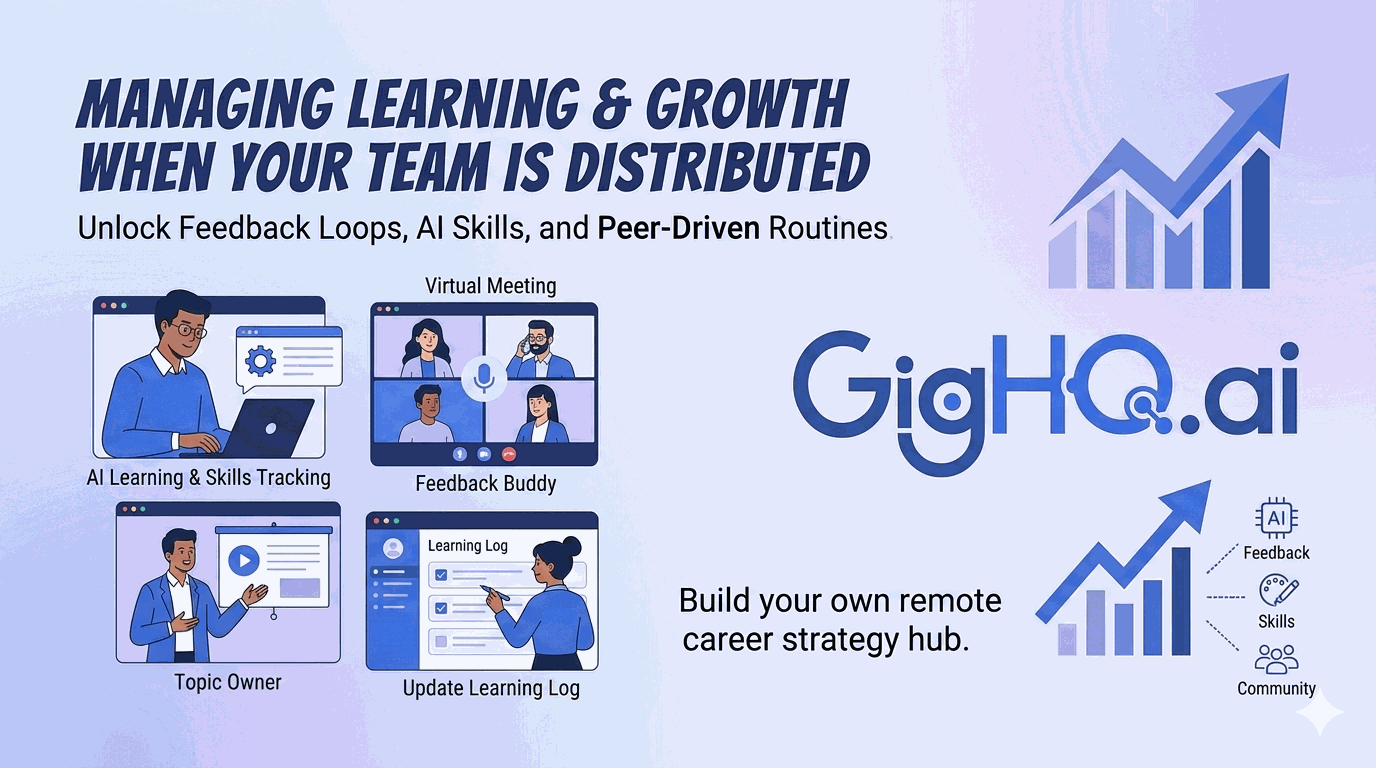
Partner with a peer—or a rotating group on your team—and assign one person per week to teach something they’ve mastered. It could be a 15-minute demo of a new AI prompt-chaining technique, a walkthrough of Git branching, or an interactive session on asynchronous communication best practices.
2. Building Feedback & Remote Mentorship Loops
In a distributed environment, nobody is watching over your shoulder to see if you are struggling. You have to actively build the mechanisms that pull feedback toward you.
       [Your Distributed Work]
                 │
                 ├──► 1. Feedback Buddy Exchange (Peer check-ins)
                 │
                 ├──► 2. Career Check-ins (Focus purely on growth metrics)
                 │
                 └──► 3. Targeted Outreach (Identify high-signal mentors)
a. Schedule Regular Career Check-Ins
Ask your manager or mentor for a short, quarterly review focused solely on growth and career progression—not daily status updates. Come prepared with your learning progress log, specific questions (“How can I improve our team’s sprint planning efficiency?”), and requests for next-step projects.
b. Establish “Feedback Buddy” Pairs
Find a peer at a similar career stage (either inside your company or through community networks like the GigHQ Discord) and exchange feedback bi-weekly. Share 2–3 items you want input on—code snippets, draft presentations, or outbound communications—and commit to giving constructive feedback in return.
- Pro-Tip: If you’re currently navigating the job market or trying to land a new role in a distributed team, use OutreachAgent to draft hyper-personalized, zero-spam networking emails to connect with remote mentors.
c. Leverage Mock Environments to Prepare
Before you lead an important team presentation, run a client demo, or sit for an internal promotion panel, use simulated environments to build confidence. You can use SmartPrep to run interactive, AI-driven practice sessions that give you real-time feedback on how you communicate complex, technical ideas in a remote-first setting.
3. Distributed Collaboration Tool Stack
To simulate the collaborative learning of an office, you need the right digital ecosystem. Here is how to configure your toolkit for optimal professional growth:
| Category | Recommended Tools | How to Use |
|---|---|---|
| Knowledge Sharing | Notion, Confluence | Build a personal and team wiki for tutorials, standard operating procedures, and playbooks. |
| Real-Time Collaboration | Tuple, VS Live Share | Schedule paired working sessions to debug, design, or write copy together. This replicates the “shoulder-tap” learning of an office. |
| Process Autopilot | GigHQ Chrome Extension | Use the GigHQ Chrome Extension to quickly analyze company response data and verify the legitimacy of remote roles. |
| Career Progress Tracking | GigHQ Dashboard | Stop copy-pasting your job and career data. Use a unified dashboard to track application stages and career metrics without a spreadsheet. |
| Community Forums | Slack, Discord, Reddit | Post highly specific questions, share learnings, and crowdsource solutions in communities built around your niche. |
4. Actionable Tips for Career Success
- Document Every Single Lesson: Keep a running, shared “learning log.” Record the date, the skill, the resource used, and a one-sentence metric-driven takeaway. Reviewing this log quarterly helps you translate hidden experience into bullet points that pass ResumeRank audits with flying colors.
- Turn Mistakes into Shared Frameworks: If a remote project goes off track due to poor asynchronous communication, document the structural breakdown. Present a post-mortem to your team along with an actionable adjustment. This shows the exact “change management” and “hybrid leadership” potential that 40% of employers are desperately looking for.
- Map Out-of-State Outcomes: If you are an early-career professional navigating a highly tight entry-level market, don’t limit yourself to local roles. Build remote-first application funnels. You can see how other students at top universities are successfully finding remote, high-paying placements using actual, anonymized market data inside the GigHQ Job Market Radar.
- Host Asynchronous “Lunch & Learns”: Record a quick 5-to-10-minute Loom walk-through of an tool, workflow, or shortcut you developed. Share it in your team’s Slack or Discord channel. It respects everyone’s timezone, builds your visibility, and acts as a passive coaching resource.
Conclusion
A distributed team does not have to mean distributed or stagnant growth. By defining highly intentional skills targets, leveraging modern AI copilots, and designing active feedback loops, you won’t just replicate the learning speed of a traditional office—you will completely surpass it.
The future of workforce readiness belongs to those who treat their learning as a process to be managed, not a passive event.
Next Up:
- Read Maintaining Healthy Boundaries in Hybrid Roles for work-life balance tactics.
- Return to the Hybrid/Remote Career Strategy Hub for the full roadmap.
- Ready to take control of your job search? Launch your career copilot at GigHQ.ai.
Our Platform Tools:

ResumeRank
Scan your resume, get a score, fix what matters.

CoverGenius
Generate personalized, AI-powered cover letters in seconds.

OutreachAgent
Craft perfect networking and AI-powered follow-up emails with ease.

CareerCompass
Instantly generate a personal marketing plan from your resume to define your brand and attract the right opportunities.

Smart Prep
Simulates a real interview based on your resume and the job description, giving you real-time feedback to build your confidence.

Profile Spark
Optimize your LinkedIn profile to attract recruiters and opportunities.