We’ve all been there. You find a job description that looks perfect. The company is great, the role sounds exciting, and then you hit the “Requirements” section.
Suddenly, the inner critic takes over: “I don’t have five years of experience in that specific software.” “I’ve never managed a budget of that size.” “Am I even qualified for this?”
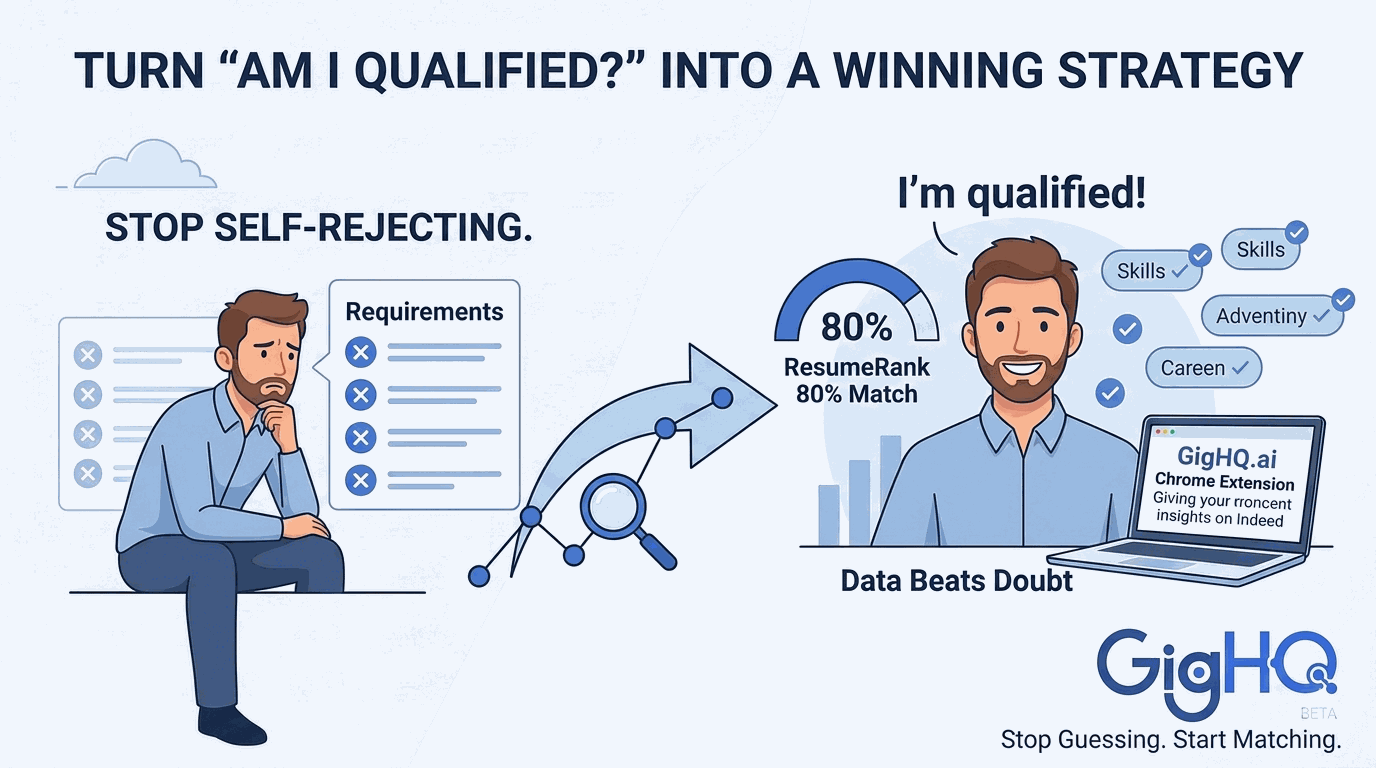
Most job seekers stop right there. They close the tab and move on, effectively rejecting themselves before a recruiter even sees their name. This is the “Guesswork Gap,” and it’s one of the biggest reasons talent gets overlooked in today’s market.
At GigHQ.ai, we believe your job search should be driven by data, not doubt. Here is how you can use our platform to stop the guesswork and start applying with confidence.
The Problem: The Myth of the 100% Match
Many job seekers believe they need to check every single box on a job description to be a viable candidate. In reality, a job description is often a “wish list.” Recruiters are looking for the best fit, not necessarily the perfect fit.
The anxiety of self-rejection stems from not knowing where you actually stand. GigHQ.ai closes that loop by turning subjective job descriptions into objective scores.
Step 1: Get an Objective Score with ResumeRank
Instead of staring at a list of bullet points and wondering if you measure up, let AI do the heavy lifting. Our ResumeRank tool evaluates your profile against a specific job description in seconds.
It doesn’t just give you a “yes” or “no.” It provides a match score that tells you exactly how a modern Applicant Tracking System (ATS) will likely see your candidacy.
- See the score? If you’re at an 80% match, apply immediately.
- Seeing a lower score? Don’t walk away—move to Step 2.
Step 2: Identify and Frame the Skills Gap
If there is a gap, you need to know exactly what it is. Is it a missing keyword? A specific certification? Or just a difference in how you’ve phrased your experience?
Our Analyze Skills Gap feature highlights explicit missing pieces. But more importantly, it helps you with Concrete Framing Strategies.
How to frame a gap:
- The “Adjacent Skill” Pivot: If a job requires Experience A and you have Experience B, the AI helps you highlight how B is a foundational step toward A.
- The “Outcome over Methodology” Approach: If they want a specific tool you haven’t used, the AI helps you showcase the results you achieved with a similar tool, proving you have the “mental model” to learn theirs in days.
Step 3: Use the Chrome Extension for Real-Time Sanity Checks
You shouldn’t have to leave the job board to find out if you’re a fit. Our Chrome Extension provides a “heads-up display” while you browse LinkedIn or Indeed. It gives you instant insights into company hiring trends and application volume, helping you decide if a “long shot” is worth your energy.
Stop Guessing, Start Matching
The next time you feel that pang of anxiety while reading a job description, remember: Data beats doubt.
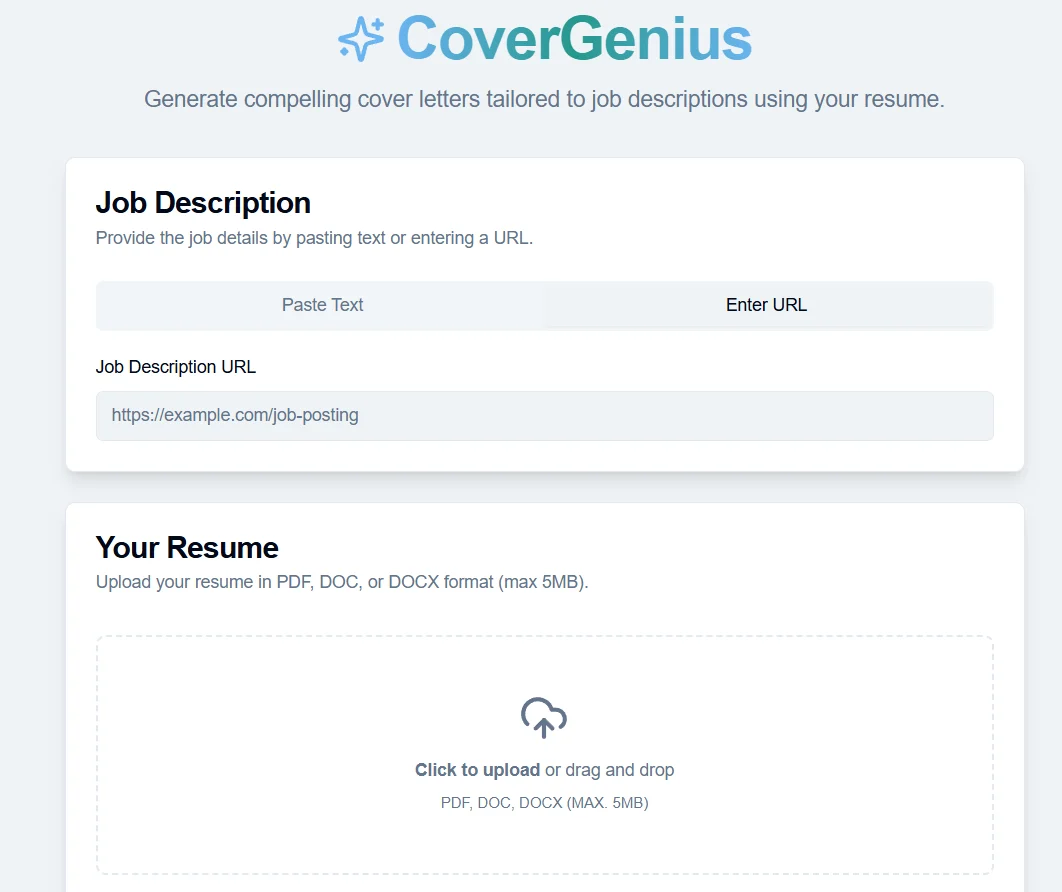
Don’t reject yourself. Use ResumeRank to see the signals, use CoverGenius to frame your story, and take control of your career trajectory.
Ready to see how you stack up?
Our Platform Tools:

ResumeRank
Scan your resume, get a score, fix what matters.

CoverGenius
Generate personalized, AI-powered cover letters in seconds.

OutreachAgent
Craft perfect networking and AI-powered follow-up emails with ease.

CareerCompass
Instantly generate a personal marketing plan from your resume to define your brand and attract the right opportunities.

Smart Prep
Simulates a real interview based on your resume and the job description, giving you real-time feedback to build your confidence.

Profile Spark
Optimize your LinkedIn profile to attract recruiters and opportunities.